Top 5 Multicolor 3D Printers for Creative Projects
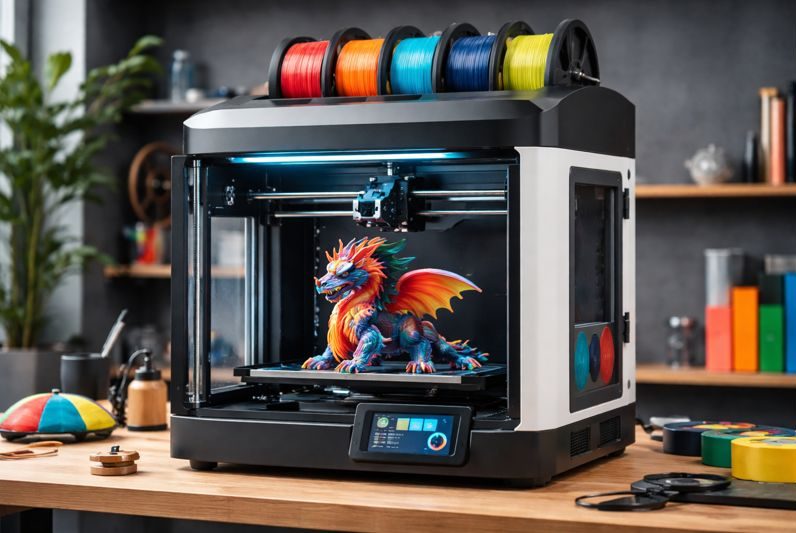
Choosing the right multicolor 3D printer can instantly elevate your creative projects. These machines allow you to print detailed models, smooth gradients, and multi-tone designs without manual filament swaps or complicated workarounds. Because multicolor printing depends on precision, speed, and color-handling technology, understanding what each printer offers helps you make a smarter investment. In this guide, you’ll find the top models worth considering, along with the features and research-backed insights that matter most for accurate, vibrant multicolor prints.
Why Multicolor Printing Changes Everything
A few years ago, printing in multiple colors meant pausing prints, swapping filaments manually, and hoping the layers aligned. Today, multicolor printers do the heavy lifting for you. They splice filaments automatically, manage color channels, and create seamless gradients.
For hobbyists and designers, that means:
- More detailed models
- Custom branding and color coding
- Professional-quality results at home
- Faster turnarounds
- Less post-processing
Once you’ve experienced true multicolor printing, it’s tough to go back.
What to Look For in a Multicolor 3D Printer
Before diving into the best models, it helps to understand the features that matter most.
Color Channels & Filament Handling
Some printers handle two colors, while others can work with four or even more. More channels give you wider color variety and smoother gradients.
Print Speed & Motion Stability
A great printer doesn’t just switch colors—it keeps those transitions sharp at high speeds. Look for stable structures, enclosed frames, and good cooling.
Software Compatibility
Slicers like Cura, PrusaSlicer, and proprietary software can dramatically affect workflow. Choose a printer with software that’s easy to learn.
Auto-Leveling & Ease of Use
Beginners and pros benefit from machines that level themselves and require minimal manual tuning.
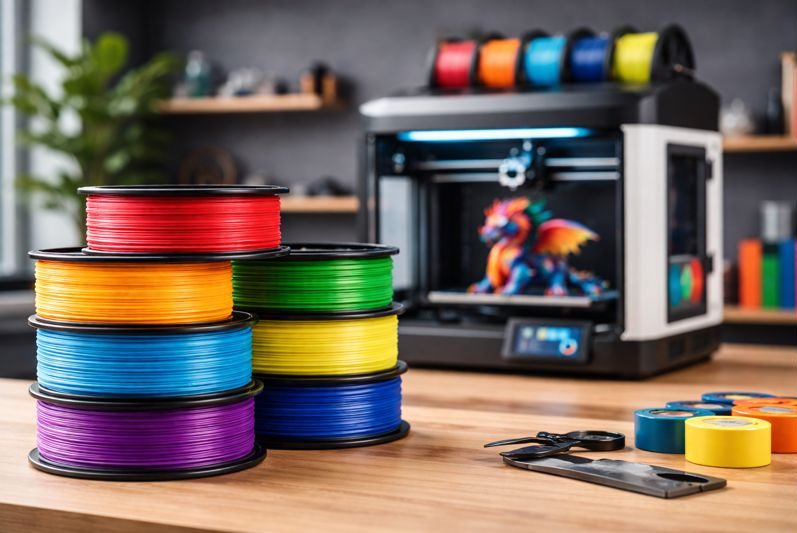
Best Multicolor 3D Printers for Creative Projects
Below are the top five models based on reliability, ease of use, print quality, and real-world user feedback.
1. SainSmart WonderMaker ZR Multicolor 3D Printer
The SainSmart WonderMaker ZR Multicolor 3D Printer is designed for makers who want smooth, reliable multicolor performance without complicated setup. Its multi-material capability allows vibrant transitions and clean gradients, while the sturdy frame keeps prints consistent across long jobs.
Key Features:
- Multi-color printing capability
- Stable, rigid structure for cleaner detail
- Beginner-friendly interface
- Designed for smooth filament transitions
Why It Stands Out:
The WonderMaker ZR focuses on simplicity. Its streamlined workflow makes filament changes, tuning, and multicolor configuration far less intimidating—great for anyone upgrading from a standard single-color printer.
Best For:
Makers who want a dependable, easy-to-use multicolor printer that delivers vibrant, accurate color output for creative projects.
2. Anycubic Kobra S1 Combo Multi-Color
Anycubic took their Kobra lineup to the next level by introducing a combo system that enables multicolor printing with impressive accuracy. This machine is known for its speed, producing vibrant models up to twice as fast as older versions.
Key Features:
- Multi-color module
- High-speed printing
- Smart auto-calibration
- User-friendly touch interface
Why It Stands Out:
The Kobra S1 Combo’s calibration is nearly flawless. The printer detects filament inconsistencies, adjusts temperature automatically, and recovers from power outages—a lifesaver during long prints.
Best For:
Anyone who wants multicolor printing without the wobble or misalignment that cheaper options struggle with.
3. Flashforge AD5X Multi-Color Printer
The Flashforge AD5X improves upon earlier models with stronger stability and smoother extrusion. Its open-frame design appeals to users who prefer quick access to the print bed.
Key Features:
- Multi-color filament compatibility
- Auto bed leveling
- 220×220×250mm build area
- Flexible magnetic build plate
Why It Stands Out:
The AD5X delivers consistent gradients across curved surfaces. That’s something many printers struggle with, especially when dealing with small rotational angles or detailed figurines.
Best For:
Artists and hobbyists focused on smooth transitions and detailed texture work.
4. Creality K2 Pro Combo
Creality’s K2 Pro Combo is one of the most feature-rich machines in the multicolor space. With a generous 300×300×300mm build volume, it gives creators much more room to experiment.
Key Features:
- Multi-filament capability
- High-speed CoreXY architecture
- Ultra-stable frame
- Intelligent heat control
Why It Stands Out:
The K2 Pro’s CoreXY structure is engineered for speed and accuracy. The motion system minimizes vibration even at high print speeds, keeping your layers sharp and colors clean.
Best For:
Large, colorful prints such as helmets, cosplay armor, display models, or engineering parts requiring tall volumes.
5. Anycubic Multi-Color 3D Printer
This lesser-known model surprises many users with its printing accuracy and quiet performance. Although it carries a smaller footprint, it handles multicolor switching with surprising precision.
Key Features:
- Multi-color filament support
- Ultra-quiet operation
- One-click leveling
- Compact, stable frame
Why It Stands Out:
Compact doesn’t mean underpowered. The printer’s noise reduction and quick leveling make it perfect for apartments, home offices, and dorm setups where sound matters.
Best For:
Quiet, everyday creative printing—ideal for makers who print frequently and don’t want constant fan noise.
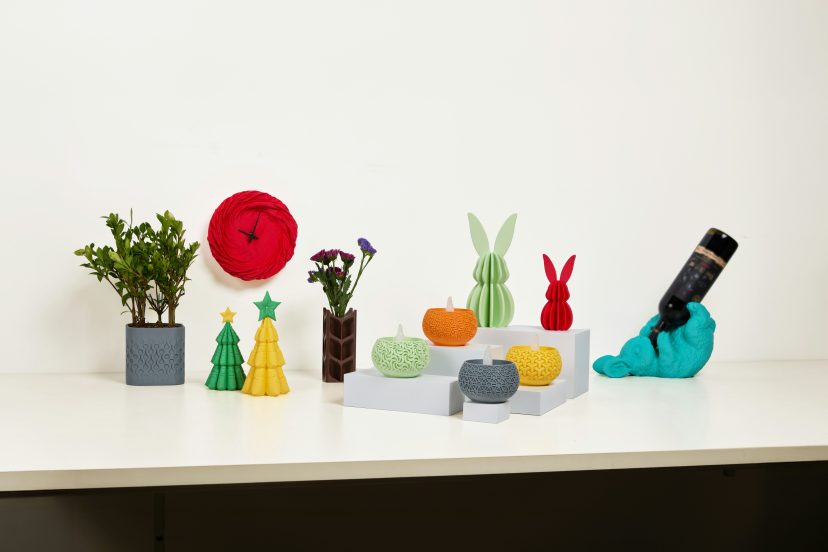
How Temperature and Filament Color Influence Multicolor Print Accuracy
Getting great color accuracy in multicolor 3D printing isn’t just about having the right machine. The science behind extrusion shows that temperature stability, filament pigments, and material flow behavior all play a major role in how clean, vibrant, and consistent your final model looks.
A 2025 study published in Polymers examined how filament color and printing speed affect the dimensional precision of PLA parts. Researchers found that different pigments absorb and transfer heat differently, which changes how the filament melts and solidifies. Because of that, colors respond uniquely to the same temperature setting—making stable temperature control essential for clean color transitions.
A second study, “The Effects of PLA Color on Material Properties of 3-D Printed Components,” demonstrated that PLA colorants don’t just change appearance—they also alter thermal behavior, crystallinity, and mechanical strength. Different pigments heat and cool at different rates, which directly affects viscosity and layer bonding. When printing temperatures fluctuate, these pigment-related differences can cause uneven extrusion, color drift, or muddier transitions.
If your printer maintains steady nozzle temperatures and manages filament flow precisely, your prints show sharper lines, cleaner gradients, and richer colors.
This is the reason modern multicolor printers emphasize thermal stability, insulated filament paths, and smart temperature monitoring—those features aren’t extras; they’re what protect your color accuracy.
Creative Ways to Use Your Multicolor 3D Printer
Once you have a printer that can handle multiple colors, a whole world opens up:
- Custom figurines and characters
- Layered logos and branding pieces
- Color-coded engineering parts
- Home décor and organizers
- 3D-printed jewelry, including creative projects like these stylish 3D-Printed Earrings
- Cosplay props and accessories
- Educational models for classrooms
If you sell on Etsy, host workshops, or build prototypes for clients, multicolor capability helps your work stand out instantly.
Final Thoughts
Choosing the right multicolor 3D printer doesn’t have to feel complicated. Once you know the features that matter—filament handling, print speed, software compatibility, and stability—you can narrow your options quickly. Every model on this list performs well for different types of creators, whether you’re a beginner or a seasoned maker ready to level up. If you’ve been waiting for the right time to upgrade, this is it. Multicolor printing turns ordinary models into vibrant, expressive creations—and the right printer makes the entire process efficient, exciting, and creatively limitless.
FAQs
1. Are multicolor 3D printers harder to use than single-color printers?
Not necessarily. Many modern models come with auto-leveling and guided setup, making them just as easy for beginners.
2. Do multicolor printers require special filament?
No. Most use standard 1.75mm filament. The printer handles switching or splicing.
3. How many colors can a multicolor 3D printer handle?
It depends on the model. Some use two channels, while others support four or more.
4. Do multicolor prints take longer?
Yes, but only slightly. Color transitions add small pauses, but high-speed printers minimize delays.
5. What software works best for multicolor printing?
Cura, PrusaSlicer, and proprietary software like FlashPrint or Creality Print all handle multicolor slicing well.