Where To Download Free 3D Print Files
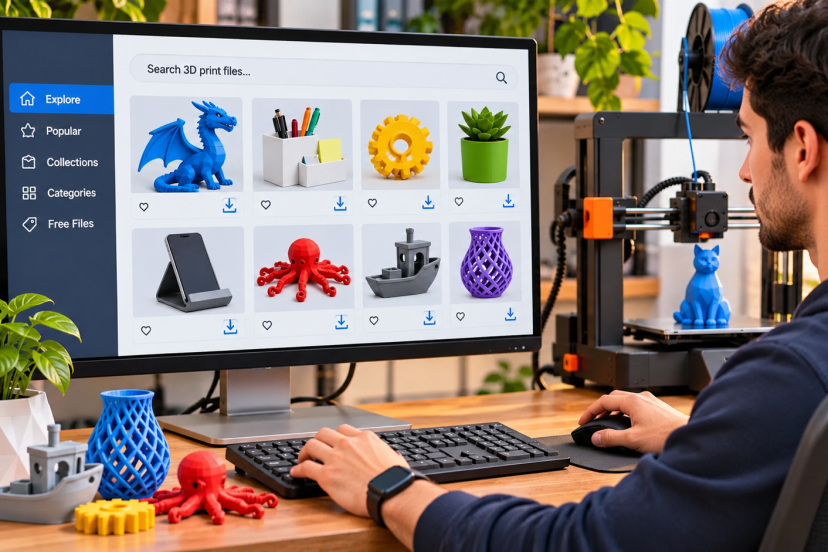
One of the best things about owning a 3D printer is having thousands of ready-made designs at your fingertips. From practical desk organizers to detailed figurines, you can find free 3D print files for almost anything you want to make.
You can start 3D printing without knowing how to design models or paying for costly software. Several websites let you browse, download, and print designs created by other makers.
The challenge is knowing which platforms offer reliable models and how to avoid files that waste your time or filament. Here’s where to look and what to check before printing.
What Are Free 3D Print Files?
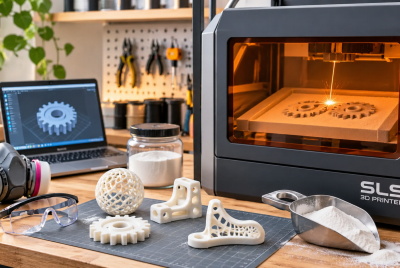
Free 3D print files are digital models you can download and turn into physical objects using a 3D printer. Designers share these files through online libraries, often allowing other makers to print them for personal use.
You’ll commonly encounter three file formats:
- STL: A widely supported format that stores a model’s surface geometry.
- 3MF: A modern format that can preserve geometry, multiple objects, and printing settings.
- OBJ: A format that supports 3D geometry and can include additional information such as texture references.
Most hobbyist printers work with STL and 3MF files through slicing software.
According to Prusa Research’s technical documentation, 3MF can store additional project information that traditional STL files cannot.
Best Websites to Download Free 3D Print Files
Not every 3D model library serves the same purpose. Some focus on functional parts, while others specialize in miniatures, decorative objects, or community projects. These seven platforms are great places to find downloadable 3D models.
1. Thingiverse — Best for Variety
Thingiverse has a large collection of community-shared 3D models covering household accessories, replacement parts, toys, and educational projects.
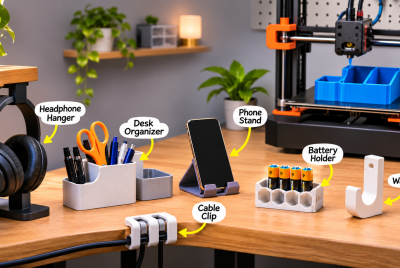
It’s particularly useful when you’re looking for something specific, such as a cable clip or a custom holder for your tools.
Check the comments and uploaded print photos before downloading. Older designs may need adjustments to work well with your printer.
2. Printables — Best for Functional Prints
Printables is a popular choice for practical accessories, organizational tools, and printer upgrades.
Its community features make it easier to discover designs that other makers have successfully printed.
You can browse collections, examine user-submitted photos, and review recommended printing settings.
For beginners, these details can help reduce trial and error.
3. MakerWorld — Best for Ready-to-Print Projects
MakerWorld offers free models alongside printable profiles that may include prepared settings for compatible machines.
It’s especially convenient for Bambu Lab users, although downloadable models can also work with other printers.
Look for projects with clear instructions, realistic photographs, and positive feedback from users who have printed them.
4. MyMiniFactory — Best for Miniatures
If you enjoy tabletop games, fantasy characters, or detailed collectibles, MyMiniFactory is worth exploring.
The platform features work from independent artists, including free samples and paid collections.
Many models suit resin printing because of their intricate details. Check the recommended printing technology before downloading, especially if you use an FDM printer.
5. Thangs — Best for Discovering Designs
Thangs helps makers discover 3D designs through its search and model-sharing features.
It’s useful when you have a project in mind but aren’t sure which creator or repository has the right model.
You’ll encounter both free and paid designs, so check the listing details before downloading.
6. Cults3D — Best for Creative Models
Cults3D offers decorative objects, accessories, figurines, and unusual designs from independent creators.
The marketplace includes free downloads alongside paid models.
Use its free-model filters to narrow your search. For complicated prints, examine the designer’s recommendations for supports, materials, and assembly.
7. Yeggi — Best for Searching Multiple Libraries
Yeggi works as a search engine for downloadable 3D models rather than a traditional model-hosting platform.
Instead of searching several websites separately, you can enter a keyword and explore results from different repositories.
This approach works well for unusual replacement parts or niche accessories that might be difficult to locate elsewhere.
How to Choose Quality 3D Printing Files
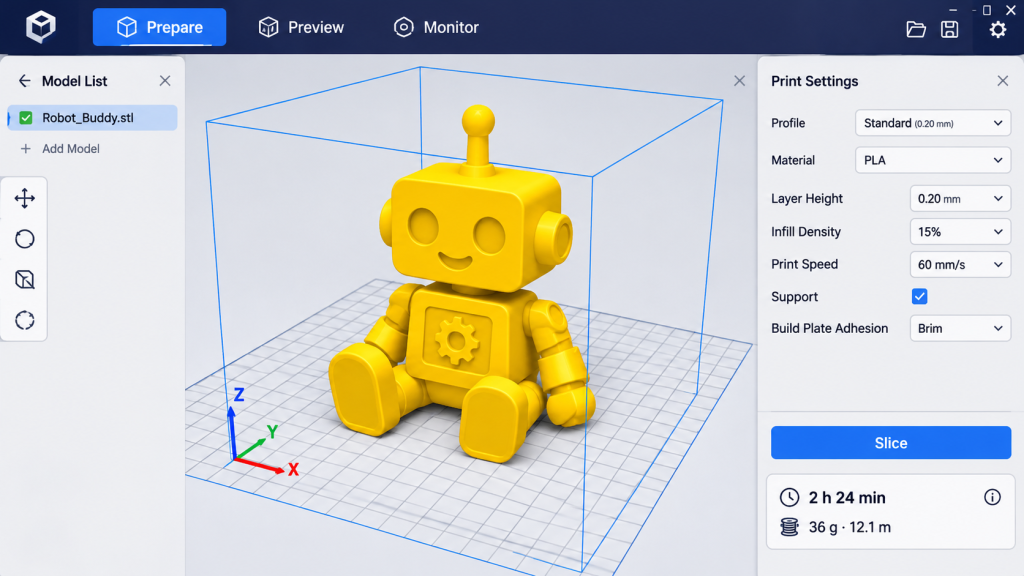
A model can look impressive on-screen and still be difficult to print. Before downloading, spend a minute checking whether the design suits your equipment.
Check Photos and User Feedback
Look for photographs of completed prints rather than relying entirely on computer-generated previews.
Comments can reveal problems with weak connections, difficult supports, or incorrect dimensions.
If several users report successful prints, that’s a useful sign, although it doesn’t guarantee identical results on your machine.
Review Dimensions and Print Requirements
Make sure the model fits your printer’s build volume.
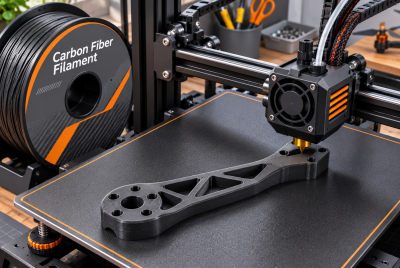
Also check the recommended filament, layer height, infill, and support requirements.
A design intended for resin printing might require substantial changes before it works on an FDM printer.
Understand the Download License
Free downloads don’t automatically include permission to sell printed copies.
The Creative Commons licensing guide explains how conditions such as attribution, noncommercial use, and restrictions on derivatives affect reuse.
Always check the individual model’s license before selling prints, redistributing files, or sharing modified designs.
Recommended Products for 3D Printing Projects
The right tools and materials can make printing downloaded 3D models easier and improve your finished results.
SUNLU PLA 3D Printer Filament: Beginner-friendly filament for everyday prints.
Creality 3D Printer Tool Kit: Useful for cleaning, maintenance, and removing supports.
Digital Caliper: Measures parts accurately for better-fitting prints.
AFA Tooling Deburring Tool: Smooths rough edges and removes excess plastic.
SUNLU FilaDryer S2: Helps remove moisture from filament for more consistent prints.
Conclusion
Finding free 3D print files is easy once you know where to look. Thingiverse and Printables are excellent starting points for everyday projects, while MakerWorld, MyMiniFactory, and other specialized platforms offer different types of designs. The key is choosing models that match your printer, materials, and experience level. Check the instructions, examine real print results, and review the license before downloading. If you’re deciding what to make first, explore these practical and useful 3D printing ideas for projects that solve everyday problems.
FAQs
Are free 3D print files safe to download?
Generally, yes, when downloaded from reputable repositories. Review the file type, creator information, and community feedback. Avoid suspicious downloads or unexpected executable programs.
Which 3D printing file format should you use?
STL works with most slicing software, while 3MF can preserve additional project information. Choose the format supported by your slicer and appropriate for your workflow.
Can I sell objects made from free STL files?
Only when the model’s license or the creator permits commercial use. A free download doesn’t automatically give you permission to sell physical copies.
Do I need special software to open downloaded 3D models?
Yes. Slicing programs such as Cura, PrusaSlicer, and Bambu Studio can open supported model files and prepare them for printing.
Can I modify free 3D printing models?
Many models can be edited using compatible 3D modeling software. However, redistribution and commercial use of modified designs depend on the original license.