Best 3D Printer for Beginners: A Comprehensive Guide
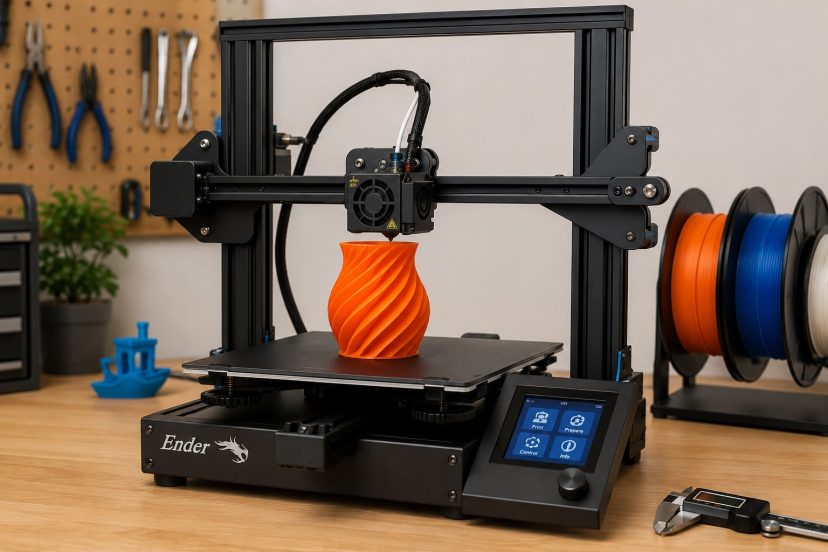
Do you love making things from scratch? Awesome! As a hobbyist, I enjoy creating cool stuff like toys, themed bowls, or even bookmarks for my mom. Thanks to my 3D printer for making this possible. Ever heard of 3D printers? It’s like magic, no joke. I was blown away when I figured out what it could do and how you can literally make just about anything out of a file. Yeah, it’s a bit overwhelming at first. But don’t freak out! I’m here to share my experiences and help you find the best 3D printer for beginners. Let’s get those creative juices flowing!
Understanding the Basics of 3D Printing
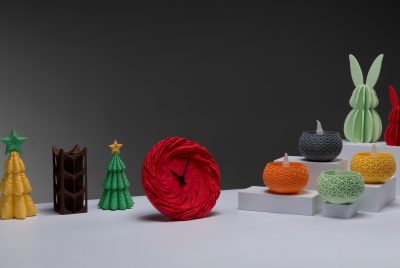
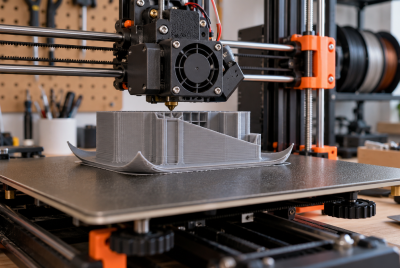
What’s 3D printing? It’s a process of turning a simple file into a three dimensional object. Imagine you’ve got this awesome idea in your head, and you just can’t wait to make it real. Now what? How can you bring those ideas to life? That’s where the magic of 3D printing happens. 3D printers can take your ideas and turn them into reality. You feed them with ideas, they give you the finished product. As simple as that. Now you can create anything your mind tells you… only good ones okay??? It’s like a mini-factory on your desk. Check out our guide on cool things you can 3d print.
Why Choose a 3D Printer?
Get a 3D printer if you’re like me and can never find the perfect part at the store. That’s the best thing about 3-D printers. You can design exactly what you want and make it, literally. There’s no need to shop around, just go on with your project. basically, it’s like waving a magic wand and turning your ideas into real things. A few things you can make be custom gadgets, and unique gifts for the ones you care about! My best friend even gave it a shot to a little eyewear business out of it. It’s endless so anything can happen.
Recent research underscores the transformative impact of 3D printing across various fields. A study titled “A review of the current status of 3D printing in the dental field” highlights its precision and efficiency in creating dental implants and orthodontic devices, significantly improving patient outcomes and cost-effectiveness. Similarly, Stanford University’s 2023 research explores innovative applications of 3D printing in healthcare and aerospace, developing biocompatible materials for medical implants and lightweight, durable materials for aerospace. These advancements enhance the technical capabilities and sustainability of 3D printing, paving the way for more efficient manufacturing processes.
What Makes a 3D Printer Beginner-Friendly?
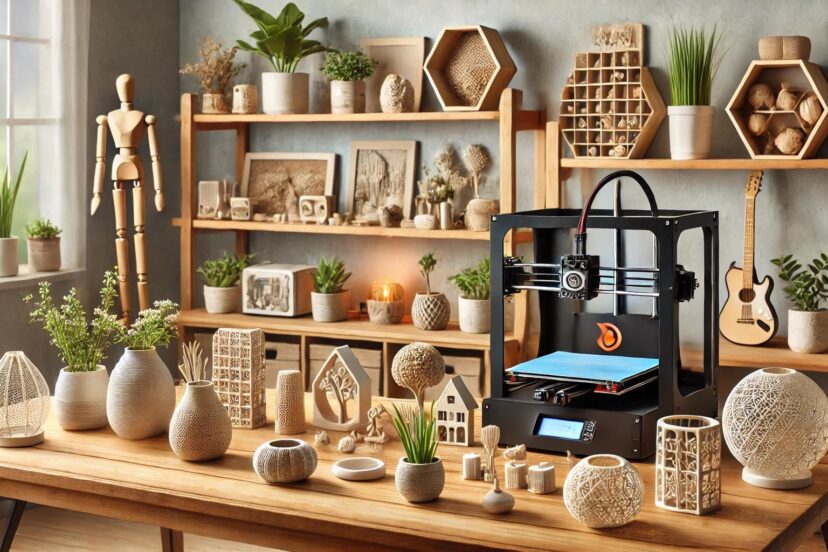
When beginning my adventure into 3D printing, user-friendliness was the most important thing. Because you’re new at this, you (like me) really need something that’s not going to make your head hurt (because you can’t figure it out). I don’t mind wrestling with complex configurations or bewildering apps. All I want is to get my ideas dialed up on the real world as soon as possible. I have a tip for you… Select printers whose interfaces are simple to use, with clear instructions, and can be set up quickly.
FDM vs. SLA: Which One to Choose?
Alright, 3D printers have two main types: FDM and SLA. FDM stands for Fused Deposition Modeling, and it’s the cheaper, more user-friendly option. Perfect if you’re just starting out. Then there’s SLA, which stands for Stereolithography. It’s all about that high precision. I started with FDM because it’s easy to use. But if you’re into detailed prints, go with SLA. Which one’s your vibe?
Best Overall: Creality Ender 3 Pro
Want to go for the best right away? Creality Ender 3 Pro is the best 3D printer for beginners like you and me. It’ affordabile, of good quality, and easy to use.
Budget-Friendly Option: Anycubic i3 Mega
If you don’t have enough money for the first one, that’s fine. Anycubic i3 Mega is also a good option. It’s cheaper (but reliable) and super easy to set up. Imagine getting a high-end gadget without breaking the bank. What a great deal!
Best for Small Spaces: Monoprice Select Mini V2
Actually, 3D printers can take up some space but not everyone has a ton of space in their home for that. If that’s the case for you, the Monoprice Select Mini V2 is your go-to. You can still have that mini factory of yours without feeling cramped.
High-Precision Option: Prusa i3 MK3S
So, you want to do things in a certain way huh? Well then, the Prusa i3 MK3S got you covered. It has incredible print quality and comes with strong support. It’s the kind of printer that grows with you, watching and helping you become an expert.
Best for Kids: Toybox 3D Printer
Actually, there’s a 3D printer specially designed for kids. Yes! If you want to them to be creative, try the Toybox 3D Printer. It’s safe, and simple to use for younger users.
Key Features to Look For Best 3D Printer for Beginners
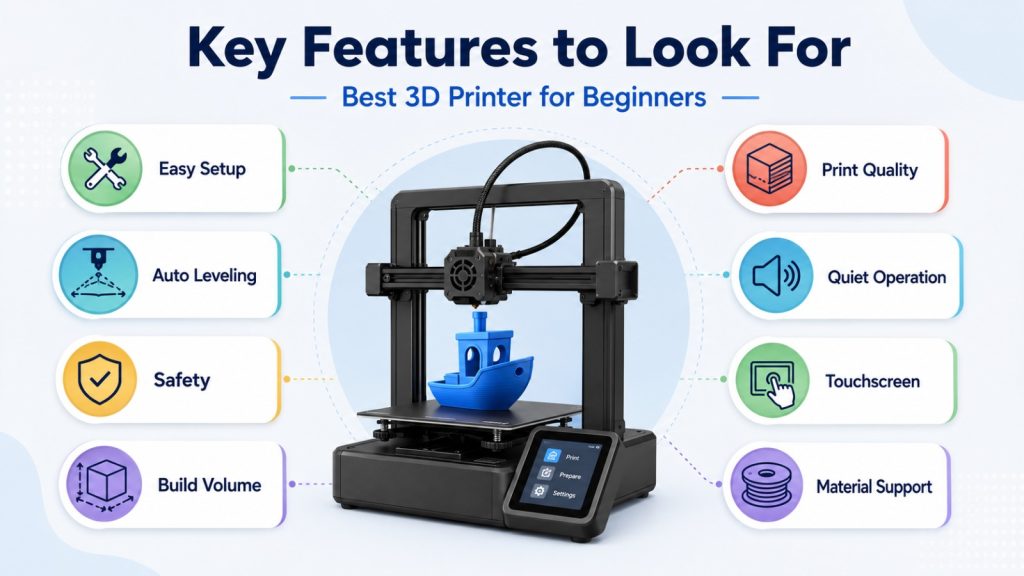
Hold your horses please… don’t just pick the first one you see in the market without even looking at the features. I mean who would do that? Check the build volume, resolution, ease of use, and support options (good customer support is a lifesaver).
Importance of Build Volume
Build volume is as important as your crazy ideas. Just kidding! It basically determines how big your prints can be. When I started out, I went with a medium build volume. This is perfect if you’re trying out different projects.
Ease of Setup and Use
No one wants to have to spend a whole day setting up their new toy. Thats no fun! Plus, it takes the excitement away. I don’t know about you but I don’t have the patience for that. Please give me a break Try to find printers that are pre assembled or have very simple instructions. Some have guided setup through apps which I think is amazing.
Software and Connectivity
The software is the brain behind your 3D printer. Choose a smart one! Make sure it comes with built-in software that goes well with your computer. Compatibility is key, you know? A Wi-Fi or USB connectivity can level up your printing game.
Material Compatibility
Alright, let’s talk compatibility. You want your 3D printer to be BFFs with the materials you plan to use. Not all printers get along with PLA, ABS, or PETG. Can you imagine the app you downloaded doesn’t work on your phone? That’s annoying. The same goes here. Double-check what materials your printer can handle before you hit that “Buy Now” button. Trust me, you don’t want your printer and filament to fight!
Maintenance and Support
Give your printer a some TLC! After all, they’re your trusted sidekicks 😉Look for models that offer easy access to customer support and have a strong online community. I promise, this is very helpful when you encountered a problem with your printer.
Troubleshooting Common Issues
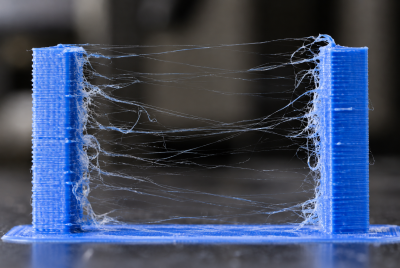
Now your asking, what if something goes wrong? What should I do? Well, just don’t panic. Panic won’t fix anything. Common issues like bed adhesion problems or clogged nozzles, have easy fixes. Join online forums or reach out to customer support, they should help with that.
Cost Considerations
I know you’re just starting with this tech so it’s quite tempting to go for the cheapest option. Quality often comes at a price but it’s all worth it. You get what you paid for. It’s a smart move to invest in a pricey but reliable machine rather than a cheap one that wouldn’t last long.
User Reviews and Recommendations
Now this is what I usually do. Search online for some user reviews (if there’s any) and really take time to read them. They can give you an honest review about their experience with the machine. Take a little time to compare your options before you choose.
List of Accessories to Enhance Your Printing Experience
The right accessories can improve print quality, simplify maintenance, and make your overall 3D printing experience more efficient. Below are some of best 3d printer for beginners and materials every maker should consider.
PLA Filament
PLA (Polylactic Acid) is one of the most popular 3D printing materials due to its ease of use, minimal warping, and consistent print quality. It is an excellent choice for beginners and is suitable for a wide range of prototypes, decorative models, and functional parts.
Build Surface (Print Bed Mat)
A quality build surface improves first-layer adhesion, helping prints stay securely in place throughout the printing process. It also reduces the risk of warping and makes it easier to remove completed prints without damaging them.
3D Printer Nozzle Set
A nozzle set with multiple sizes provides greater flexibility for different printing needs. Smaller nozzles produce finer details and smoother finishes, while larger nozzles enable faster printing and stronger layer bonding for larger models.
3D Printer Tool Kit
The specialized tool kit includes all the necessary tools for ripping off the prints, removing the supports, trimming, cleaning, and printer maintenance in general. These implements allow for a cleaner finish while improving the safety and efficiency of the finishing process.
3D Printer Cleaning Kit
Regular maintenance is essential for consistent print quality. A cleaning kit helps remove filament residue, unclog nozzles, and keep critical printer components in optimal condition, extending the lifespan and reliability of your 3D printer.
Final Thoughts
There you have it, folks!!! Everything you need to know about the basics of 3D printing is given. All you need to do is to get that printer of yours and start building stuffs!!! Just follow these tips and you’re good to go. It’s like choosing the perfect sidekick—you’re dodging a ton of stress and gearing up for some epic success. Don’t forget to check the features, binge-read those reviews, and imagine all the cool stuff you’ll be making. The right tools will make your creativity pop off like never before.
Check this out:
FAQs
1. What is the easiest 3D printer to use for beginners?
The Creality Ender 3 Pro is widely considered the easiest to use due to its straightforward setup and reliable performance.
2. Can kids use 3D printers safely?
Yes, printers like the Toybox 3D Printer are designed with safety features specifically for kids.
3. Do I need any special skills to start 3D printing?
No special skills are required. Many beginner-friendly printers come with easy-to-follow instructions and supportive communities.
4. What materials should I start with?
PLA is a great starting material for beginners due to its ease of use and versatility.
5. How much should I spend on my first 3D printer?
You can find reliable beginner printers for as low as $200, but spending a bit more can offer better quality and features.