3D Printed Phone Stands You Can Make At Home
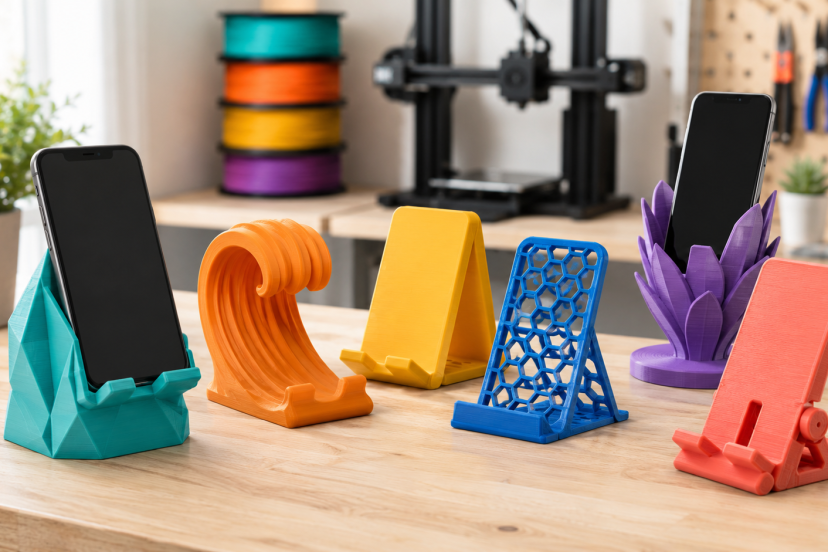
A stand for your phone might seem like a simple thing to make, but it really highlights how a 3D printer can be useful. You can use it for video chats, reading recipes, charging your phone, playing games, or just having the screen visible on your desk. 3D printed phone stands are also very customizable. You have options to change the viewing angle, widen the slot (for bulky cases), add a charging-cable hole, or put a name or simple pattern. Whether you’re using a premade STL file or designing your own model, it’s a project that adds to your skillset and doesn’t consume too much filament.
Why Make a 3D Printed Phone Stand?
Standard dimensions are typical for store-bought stands. A printed stand can be designed to fit your phone, case, charging cable, desk space, and how you want to view it.
It’s also a forgiving project. A simple stand may be made from a single piece of material, shaped with a sloping back, and a small lip at the front. That shape helps newbies to learn bed adhesion, wall thickness, infill, overhangs and balance.
A phone stand is one of the most practical beginner 3D printing projects because it uses little filament, prints quickly, and helps you learn basic design and slicer settings.
Popular Phone Stand Designs to Try
Simple Angled Stand
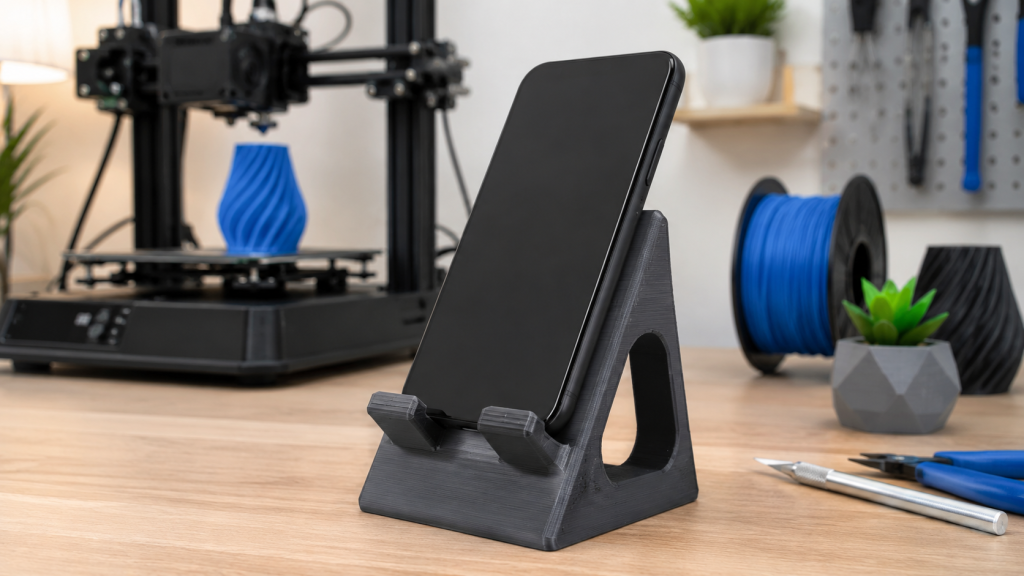
A simple angled stand is usually the easiest design to print. The phone leans against a fixed back support, while a small front ledge keeps it from sliding forward. This style works well if you want a quick, practical print that often needs little to no support material.
Charging Dock Stand
A charging dock stand adds a cable channel so you can charge your phone while it stays upright. Some designs also hold the USB-C or Lightning connector in place, which makes docking the phone easier with one hand.
Before printing, measure the cable housing, not just the connector tip. Even cables with the same standard can have slightly different shapes and sizes.
Foldable or Adjustable Stand
A foldable stand is a good choice if you want something portable. It can slip into a bag or drawer without taking up much space. Adjustable designs are also useful because they let you switch between different viewing angles.
These models need a bit more care, though. Hinges, slots, and moving parts depend on accurate tolerances, so it is smart to print a small joint test before making the full stand.
Horizontal Media Stand
A horizontal media stand is designed for landscape use. It works well for watching videos, gaming, video calls, or keeping a recipe open while you cook.
Since the phone sits sideways, the base needs enough width and depth to stay stable. A wider base helps prevent tipping when you tap or swipe the screen.
Measurements That Make the Stand Work
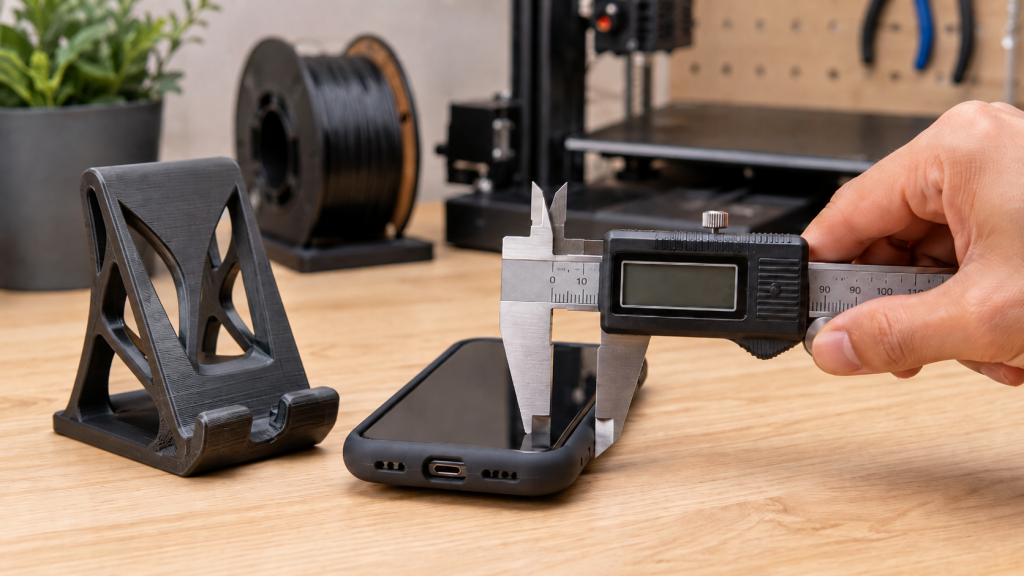
Measure the phone in its normal case. Use a digital caliper or ruler to record its thickness and width, then add a little clearance so it slides into the stand without becoming loose.
Adding about 0.5 to 1 mm of clearance is a reasonable test range for many hobby printers. The right allowance depends on printer calibration, nozzle size, material, and model orientation.
Check these dimensions:
- Slot width: Must fit the phone and case.
- Front lip: Should secure the device without covering too much screen.
- Base depth: A deeper base improves stability.
- Viewing angle: Around 55 to 70 degrees suits many desk uses.
- Cable opening: Needs room for the connector and outer housing.
Before printing the complete stand, create a short test section containing only the phone slot. A quick fit test can prevent a much longer failed print.
Choosing the Best Filament
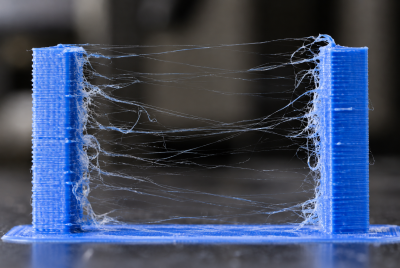
PLA is the easiest choice for most indoor phone stands. It prints cleanly, holds fine details, and usually needs little tuning. For dependable options, see this guide to the best PLA filament for home 3D printing. hen you want more impact resistance or flexibility. It also handles warm conditions better than standard PLA. However, PETG can string and may require adjusted retraction, cooling, and nozzle temperature.
Avoid leaving a standard PLA stand inside a hot car, where heat may soften and distort it. TPU can add non-slip feet, but printing the whole stand in flexible filament usually creates unwanted wobble.
Practical Print Settings for Phone Stands
Use your filament maker’s temperature range as the starting point. For a standard 0.4 mm nozzle, try:
- 0.2 mm layer height
- Three or four walls
- Four or five top and bottom layers
- 20% to 30% infill
- Moderate print speed
- Supports only where needed
Do not assume high infill alone creates a strong stand. Wall count, layer direction, and the geometry around the phone ledge often matter more.
A published study on FFF processing parameters and PLA strength found major strength differences between build orientations, with upright specimens performing much worse than flat or edge-oriented samples. Another study of infill, orientation, and print time confirmed that orientation and infill density can significantly affect strength and printing time. Orient the stand so normal screen taps do not pull directly across weak layer bonds. Phone Stand
Choose or Create a Model
Download a properly licensed STL from a trusted platform, or design a basic stand in Tinkercad, Fusion, Onshape, or another CAD tool.
Check the Dimensions
Compare the model’s slot with your measured device. Scale cautiously because changing the overall size can also alter hinges, holes, and cable channels.
Inspect and Slice
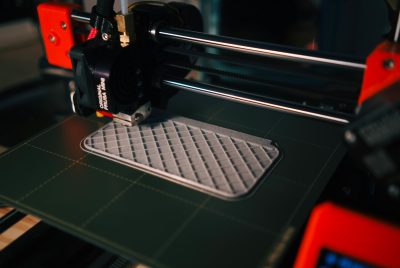
Place the largest stable surface on the build plate. Preview the layers for unsupported ledges, thin sections, and unnecessary supports. Use draft settings or print a shortened test piece first.
Print and Finish
Watch the first layer. Stop early if corners lift or the nozzle drags through the filament. After printing, remove supports carefully, trim stray plastic, and smooth sharp edges. Add rubber pads underneath if the stand slides.
Helpful Tools and Materials
The right tools and materials can make 3D printed phone stands easier to measure, print, and finish. These five products can help improve fit, bed adhesion, and overall print quality.
1. SUNLU PLA+ 2.0 Filament
SUNLU PLA+ 2.0 is a practical choice for phone stands and other functional desk accessories. It offers more toughness than standard PLA while remaining relatively easy to print.
2. 6-Inch Digital Caliper
A digital caliper helps you measure your phone, case, cable connector, and printed test pieces accurately. Precise measurements make it easier to create a secure fit without making the slot too tight.
3. 3D Print Removal Scraper Kit
A print removal scraper can help lift finished phone stands from the build plate without damaging the base. Use it carefully and always push the blade away from your hands.
4. BOENFU Flush Cutters
BOENFU flush cutters are useful for removing support material, trimming brims, and cutting loose filament strands. They also help clean up small imperfections around cable openings and edges.
5. Creality 3D Printer Glue Sticks
Creality glue sticks can improve first-layer adhesion on compatible build surfaces. They may be helpful when printing wide phone stand bases that are prone to lifting at the corners.
Conclusion
3D printed phone stands are simple enough for beginners, but they still teach the skills that make home 3D printing more useful: measuring accurately, choosing the right filament, thinking about strength, and adjusting a design for real everyday use. Start with a clean, stable model, make sure it fits your phone and case. Then refine it with details like a charging slot, non-slip feet, or a better viewing angle. By the end, you are not just printing a desk accessory. You are learning how to turn a small idea into something practical, personal, and worth using every day.
FAQs
What Is the Best Filament for 3D Printed Phone Stands?
PLA is the easiest option for most indoor stands. PETG offers more toughness and heat resistance, while TPU works well for non-slip pads.
How Much Infill Should a Phone Stand Have?
Start around 20% to 30% infill with three or four walls. Good geometry and print orientation can matter more than very high infill.
Can I Print a Phone Stand Without Supports?
Yes. Many fixed-angle stands use support-free slopes and bridges. Check the slicer preview because support needs depend on the model.
How Do I Stop a Printed Phone Stand From Sliding?
Add adhesive rubber feet, a TPU insert, or a thin non-slip pad. A wider base also improves stability during screen taps.
Can a 3D Printed Stand Hold a Tablet?
Only when the model was designed for the tablet’s size and weight. A phone stand may tip or crack, so use a wider, thicker tablet-specific design.